This is the second part of our Samsung Galaxy Note 9 review. It picks up where the first part left off and covers the new S Pen, the biometric options, the performance hardware, the battery, and the cameras. If you have not read the earlier part, you can find it here.
The New S Pen
The headline change on the Note 9 is the S Pen, which now connects to the phone over Bluetooth Low Energy. That connection lets the pen act as a remote for several functions. A double press of its button opens the camera, another press switches between the front and rear cameras, and a further press releases the shutter. The same button scrolls through the Gallery, plays and skips tracks in the music player, and advances slides during a presentation.

In our view the remote features are most useful for taking a photo from a distance or framing a group shot without reaching for the shutter. The S Pen Remote Control menu explains each action in detail, and the button mapping is open to third-party apps that choose to support it.
To do this work the pen carries a small internal battery. Its charge level appears in the notification shade, so there is no guesswork. Charging is simple: the pen sits in its silo inside the phone and refills within seconds of being docked.
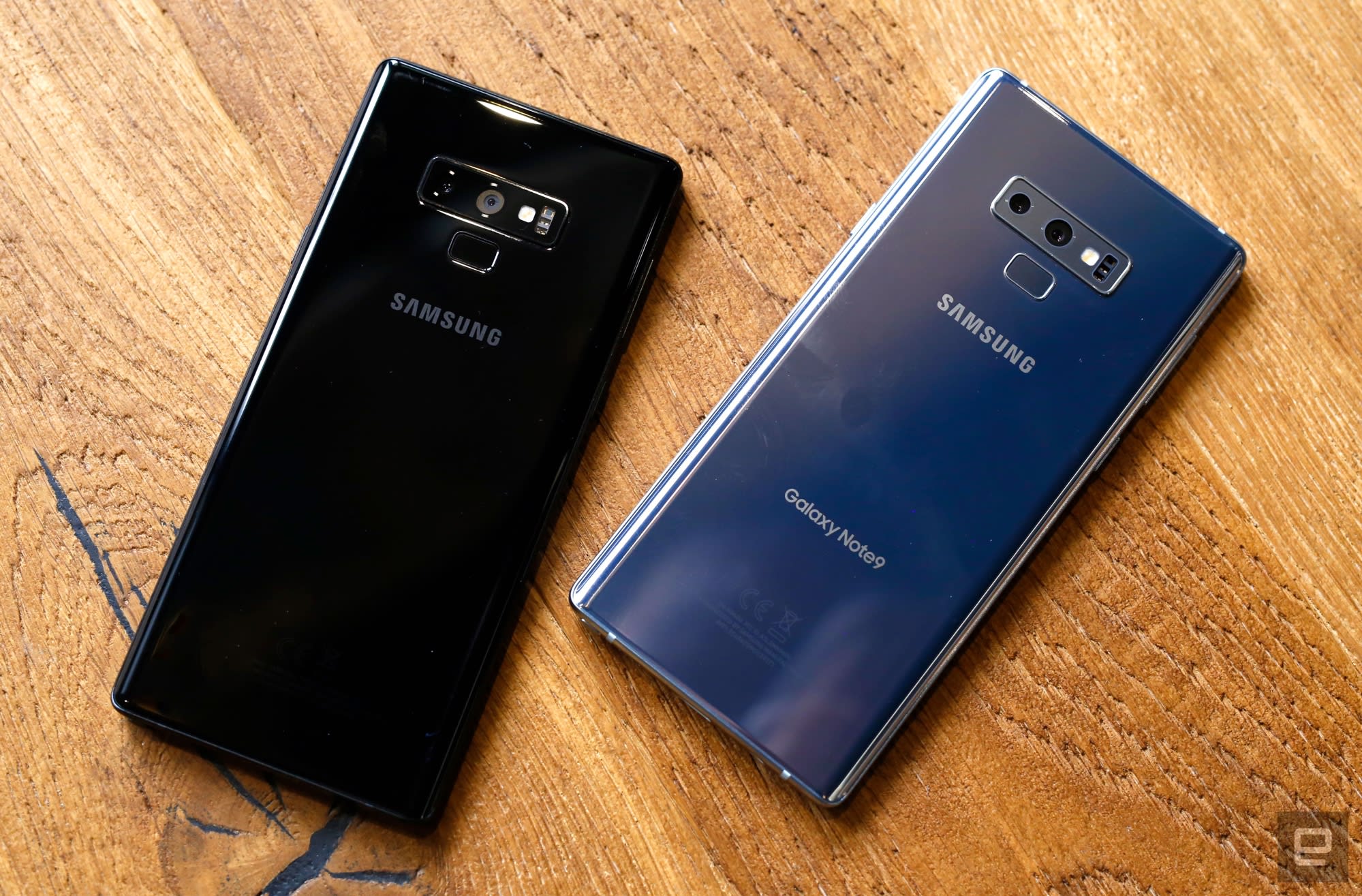
The remote tricks sit on top of the pen’s core role, which is unchanged. It still records 4,096 levels of pressure and carries over the writing tools from the Note 8: notes on the Always-On Display, live translation, and the option to save notes as a GIF. Pulling the pen out brings up a pop-up menu with Create Notes, Display All Notes, Smart Select, Screen Write, Live Message, and Translate, and users can add more entries to the menu. From that menu the pen can drive most of the phone, including messaging and email.
Biometric Security
As noted in the first part, Samsung moved the fingerprint scanner below the rear cameras. The new position is an improvement over the earlier layout, though the sensor still sits high enough that reaching it takes some stretch, a consequence of the phone’s size.

Reach aside, the scanner itself is quick: it reads a print in milliseconds and unlocks the phone almost at the same moment. It is not the only option. The Note 9 also unlocks by iris scan or face recognition, and Samsung combines the two into a mode called Intelligent Scan. Intelligent Scan uses the iris and face readers together for faster unlocking and better accuracy than either method alone, and in our tests it held up in both very low light and bright conditions.
Performance and Software
The Note 9 improves on the Note 8, though users moving from the Galaxy S9+ should not expect a large gap. As usual, the chip depends on the region. The American and Chinese models run the Snapdragon 845, while units for EMEA countries use the Exynos 9810 Octa. In benchmark tests the Note 9 posts gains over the Note 8 and lands close to the Galaxy S9+.
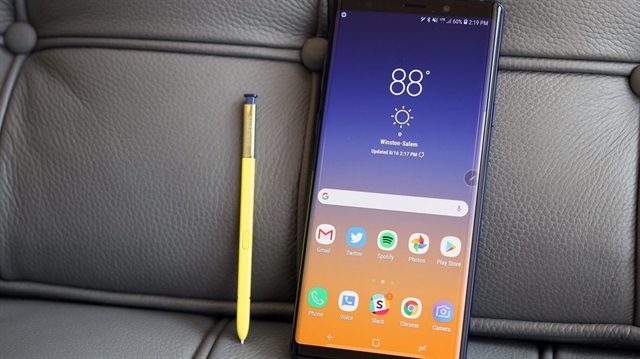
The Exynos 9810 Octa carries eight cores, four running at 2.7 GHz and four at 1.8 GHz, paired with a Mali-G72 GPU. Memory comes in two sizes: a 6 GB version, as on the Note 8, and an 8 GB version.
Storage changes as well. Where the Note 8 offered 64, 128, and 256 GB, the Note 9 comes in 128 GB and 512 GB. A microSD slot accepts a card of up to 512 GB, which brings total storage to around 1 TB on the larger model.
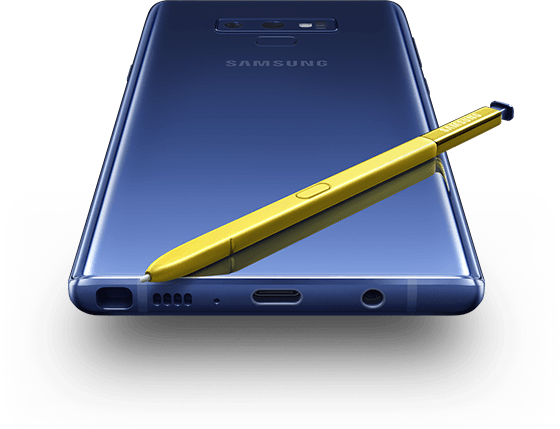
Games run without trouble. The Note 9 handles PUBG Mobile and Fortnite at high settings, and the large display suits titles of that kind. This is also the first Note with stereo speakers, a feature the Note 8 lacked, and the box includes AKG-tuned earphones.
DeX also changes on the Note 9. Samsung dropped the physical HDMI dock and routes the desktop mode through the USB-C port instead, so an HDMI cable with an adapter is enough to run the phone on an external display.
Battery
The Note 9 carries a 4000 mAh battery, a 700 mAh increase over the Note 8. That capacity follows the tighter production standards Samsung adopted after the Note 7 recall and applied across the Note 8 and the S8 and S9 lines.
In our Geekbench battery test the Note 9 lasted about 11 hours under heavy use, ahead of the Note 8’s 9 hours. In everyday use, a day of email, social media, some gaming, and photo and video capture left the battery at 45 percent, though that figure settles over time as the phone learns usage patterns.
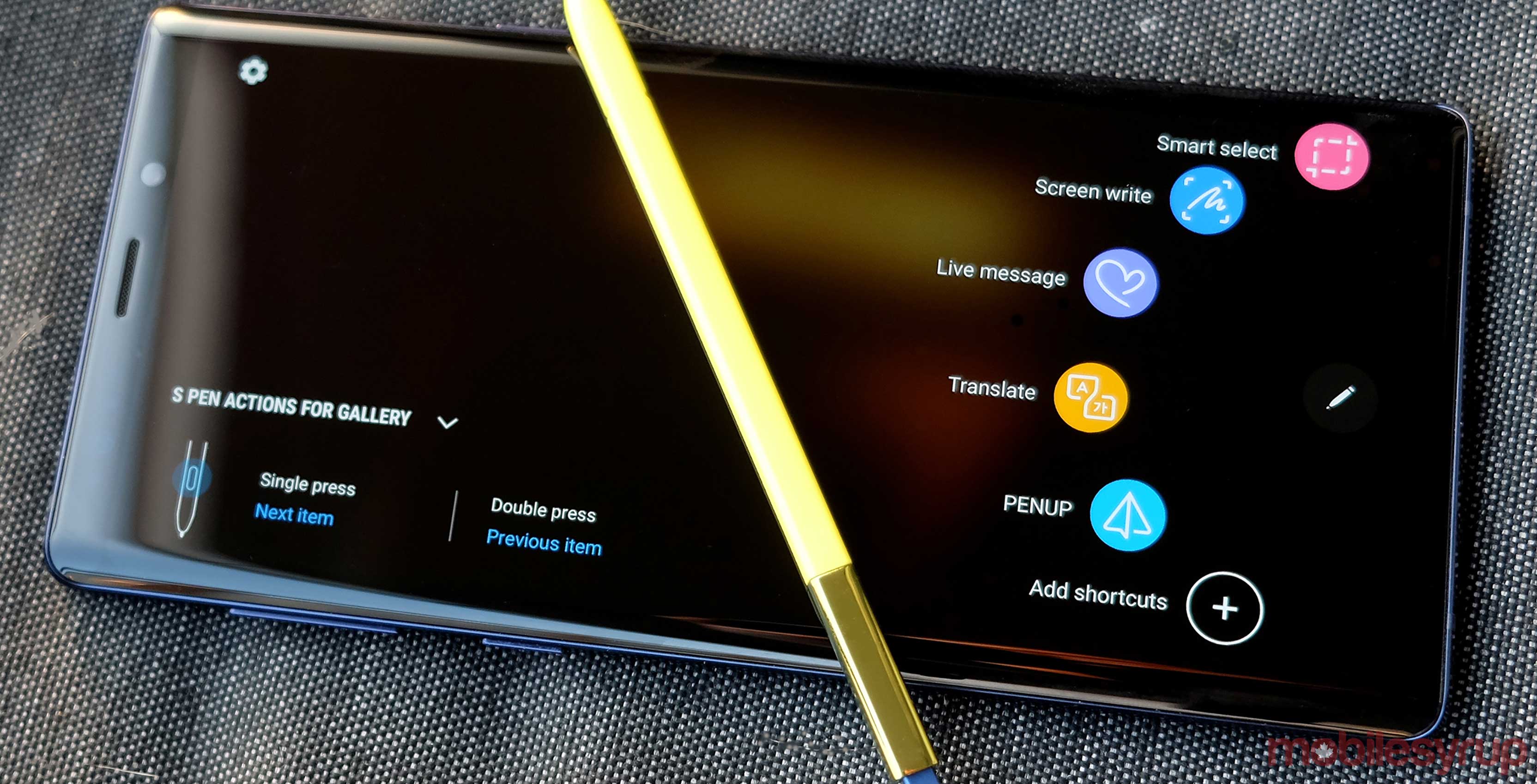
A separate 90-minute Full HD video-capture test, run at maximum brightness and connected to Wi-Fi, drew only 7 percent over roughly 100 minutes, which points to strong efficiency when recording.
Recharging is fast for a cell this size. From empty the Note 9 reaches full in about 1 hour and 49 minutes. Reading the level every 15 minutes on the charger gives the following curve:
| Time on charger | Battery level |
|---|---|
| 15 minutes | 17% |
| 30 minutes | 37% |
| 45 minutes | 52% |
| 60 minutes | 70% |
| 75 minutes | 83% |
| 90 minutes | 90% |
| 105 minutes | 98% |
| 1 hour 49 minutes | Full |
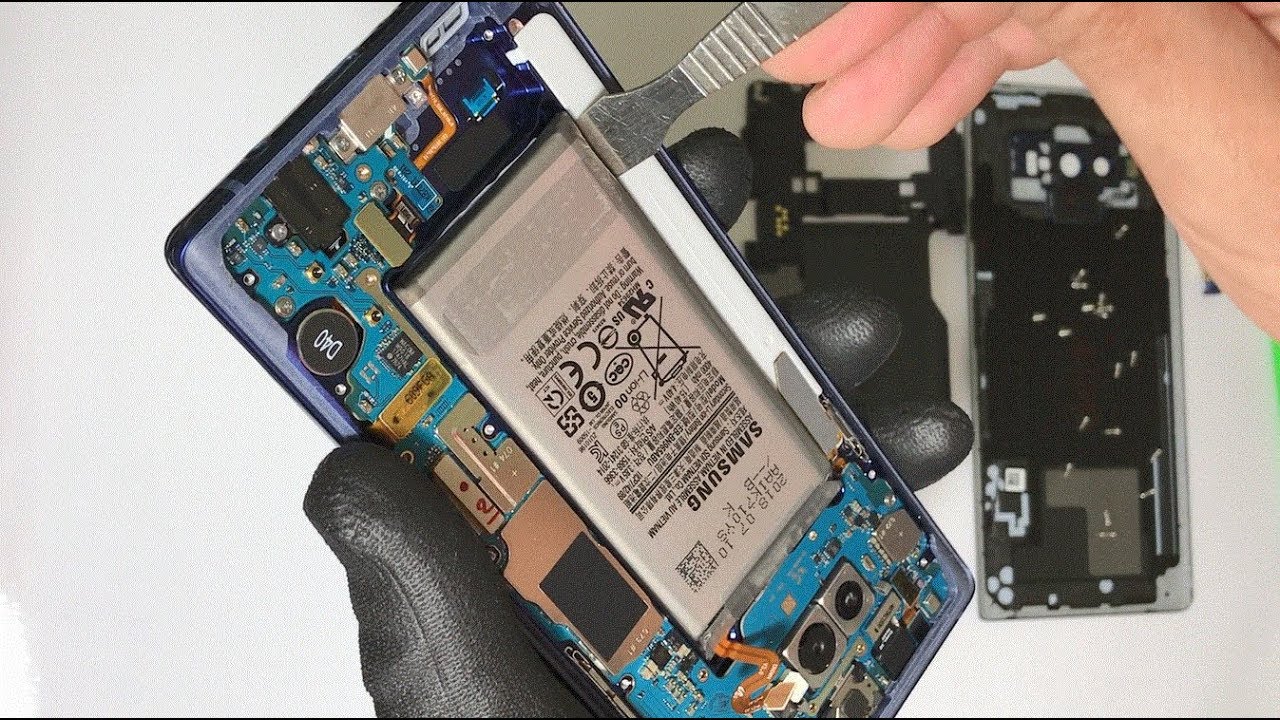
The Note 9 supports both wireless charging and fast charging.
Camera
The camera carries over the dual-aperture design Samsung introduced on the Galaxy S9+. The main lens switches between f/1.5 and f/2.4 depending on the light, opening wide to gather more in dark scenes and closing down when there is plenty of light.
The rear setup pairs that 12 MP main camera with a telephoto lens, familiar from the Note 8, that provides 2x optical zoom, and both cameras include optical image stabilization. A scene optimizer uses AI to read the frame and adjust color and tone: it recognizes 20 scene types, including sunrise, flowers, food, animals, and indoor settings, and tunes each accordingly.

A Flaw Detection feature warns users when a shot comes out blurry or is shot against strong backlight, and it also flags a photo in which someone blinked.
On video, the stabilization holds footage steady, and the Note 9 records 4K at 60 fps. It also captures 960 fps super slow motion and supports quick-shot clips from the camera interface. Learning the slow-motion trigger is worth the effort, since the window for the moment is brief.
The camera app itself is deep, with professional controls and a range of effects. A Live Focus mode uses the dual cameras for a bokeh background whose depth users can adjust after the shot. AR Emoji, first seen on the Galaxy S9+, is present as well.
Who Is Samsung Galaxy Note 9 For?
The Note 9 suits users who want a large-screen phone built around pen input, with the S Pen’s new remote controls, a 4000 mAh battery that comfortably clears a day, storage that reaches 512 GB before a microSD card, and a dual-aperture camera with strong video. Anyone who prefers a compact phone or has no use for a stylus will find it larger than they need, but for users who value the pen, the screen, and the endurance, it delivers on all three.
Bu incelemeyi nasıl hazırladık?
Teknik değerleri güvenilir kaynaktan alır, kendi sözümüzle kurar, kaynağını gösteririz. Ölçülmüş bağımsız test emeğini kendimize mal etmeyiz. Puan vermedik: kanaat, sıralama değil.
İşine uyanı gördüysen, gerisini merak etme — en pahalı değil, sana denk geleni almak en rahatı; kararın da, paran da bereketli olsun.
Okuyucu deneyimleri & sorular
Bu ürünü gerçekten kullananların notları — çoğu zaman incelememizden daha kıymetli. Puan/beğeni yok; işaret güven içindir: neyin faydalı, neyin şüpheli olduğunu topluluk gösterir.
Katkı için yola katıl.
Deneyimini paylaşmak ya da bir soru sormak için üye ol; okumak herkese açık. Emeğin kayıt altında, kıymeti kazanılır.