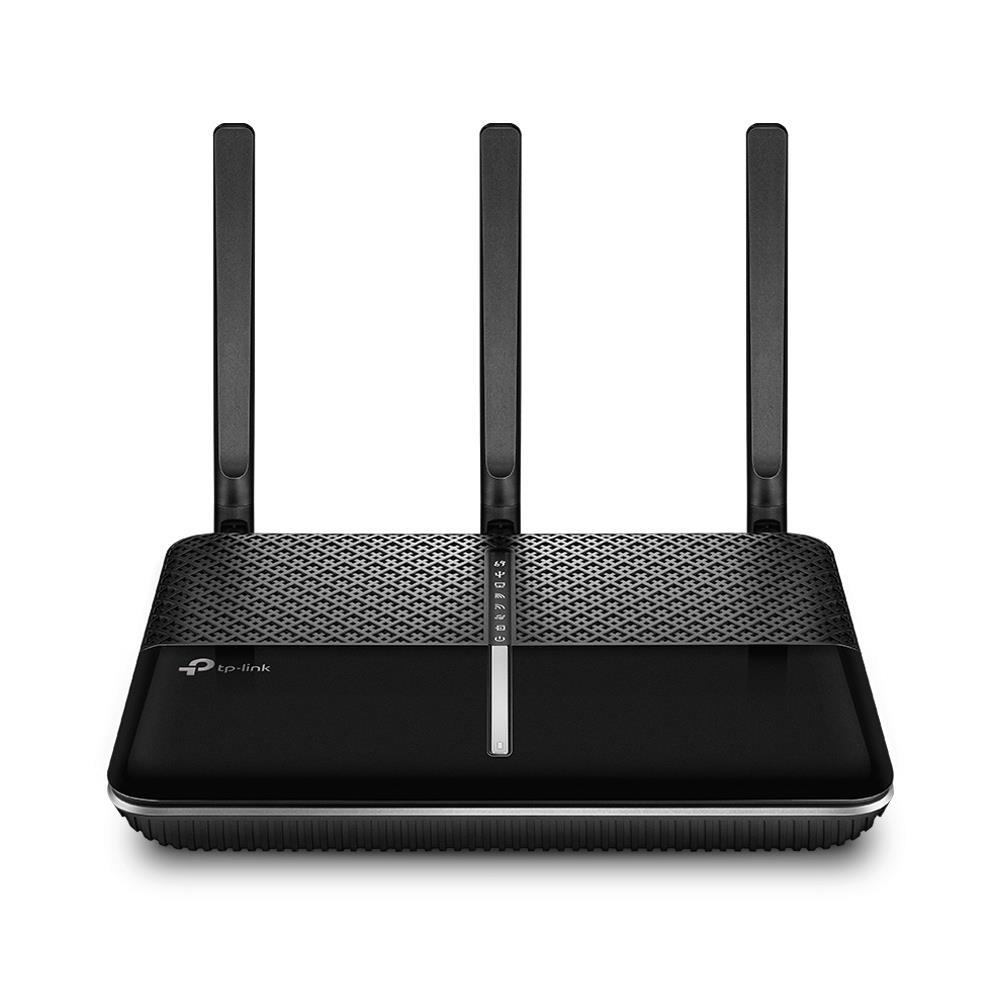

The TP-Link Archer VR2100 works as both a VDSL modem and a Wi-Fi router in a single unit, which suits users who prefer to cover both roles with one device. Within TP-Link’s lineup the models in this category share a similar body and differ mainly in size, so the distinguishing point of the Archer VR2100 is its Super VDSL support. This review looks at how the Archer VR2100 handles broadband, its Wi-Fi performance and range, its wider connectivity options, and its setup.
Super VDSL and Broadband Support
Super VDSL is a connection type in the form of Profile 35b on VDSL2 lines. It is not available in every region, so before the Archer VR2100 can use it, the line has to carry that support. Users can confirm this with their service provider. With Super VDSL, the Archer VR2100 reaches a theoretical total of up to 350 Mbps. It is also backward compatible with ADSL, ADSL2, and VDSL infrastructures.
| Connection type | Approximate speed |
|---|---|
| Super VDSL (Profile 35b) | up to 350 Mbps total |
| VDSL2 | up to 100 Mbps |
| ADSL2+ | up to 24 Mbps |
Connectivity and OneMesh
Beyond the DSL infrastructures above, the Archer VR2100 also connects over an Ethernet port, and it can establish a mobile internet connection through USB with a 4G dongle. It includes OneMesh, which lets the Archer VR2100 form a mesh Wi-Fi network. For this the second device must also be a TP-Link unit that supports OneMesh. With OneMesh, coverage grows by adding to the existing network rather than building a separate system from scratch.
Wi-Fi Performance and Range
As its name indicates, the Archer VR2100 reaches a total theoretical Wi-Fi speed of 2100 Mbps. It uses the 802.11ac (Wi-Fi 5) standard and serves both 2.4 GHz and 5 GHz networks, supporting up to 300 Mbps on 2.4 GHz and 1733 Mbps on 5 GHz. It carries 4×4 MU-MIMO, which lets it transfer data to several connected devices at once and helps hold connection quality across them.
In our tests the Archer VR2100 showed good signal range and steady data transmission, and it took over from the VR2800 we had been using. We could not test the Super VDSL side, because the line where we use it does not carry that support; as noted, the service provider has to include the technology in the infrastructure for it to work.
Setup and App Features
Setup follows the pattern of other TP-Link devices. The Archer VR2100 installs through the Tether app on Android or iOS phones. The same app handles ongoing network settings, including parental controls, a guest network, and other security options.
Who Is TP-Link Archer VR2100 For?
The Archer VR2100 fits users who want a single unit that acts as both a modem and a router in the Wi-Fi 5 (802.11ac) class, with dual-band coverage and MU-MIMO for several devices at once. Its Super VDSL support pays off only on a line that carries Profile 35b, so it is worth confirming that with the provider first; without it, the device still runs on ADSL, ADSL2+, and VDSL2. Users who want to widen coverage later, and who have other OneMesh-capable TP-Link units, gain the mesh option as well.
Bu incelemeyi nasıl hazırladık?
Teknik değerleri güvenilir kaynaktan alır, kendi sözümüzle kurar, kaynağını gösteririz. Ölçülmüş bağımsız test emeğini kendimize mal etmeyiz. Puan vermedik: kanaat, sıralama değil.
İşine uyanı gördüysen, gerisini merak etme — en pahalı değil, sana denk geleni almak en rahatı; kararın da, paran da bereketli olsun.
Okuyucu deneyimleri & sorular
Bu ürünü gerçekten kullananların notları — çoğu zaman incelememizden daha kıymetli. Puan/beğeni yok; işaret güven içindir: neyin faydalı, neyin şüpheli olduğunu topluluk gösterir.
Katkı için yola katıl.
Deneyimini paylaşmak ya da bir soru sormak için üye ol; okumak herkese açık. Emeğin kayıt altında, kıymeti kazanılır.